
From unexpected repairs to managing your monthly bills and tracking home-ownership costs, keeping your home running smoothly takes more than just a toolbox—it takes the use of smart systems. Fortunately, there are excellent apps built for exactly this: organizing maintenance schedules, tracking expenses, logging warranties, and more.
In this guid,e you’ll discover the top apps for home maintenance and finances, how to pick the right ones for your home, and how using them ties into your broader home-ownership strategy.
Key Takeaways
✅ Use apps to keep track of routine maintenance, appliance records, and service history to minimize surprises.
✅ Select tools that also help you monitor home-ownership expenses (utilities, insurance, tax, repairs) to stay on budget.
✅ Optimizing fixed costs like your mortgage creates more room in your budget for ongoing maintenance and home improvements.
Why Apps Matter for Homeowners
Owning a home isn’t just about monthly mortgage payments—it’s a long-term investment that requires upkeep and tracking. Without a system, things get missed: filters not changed, warranties lost, surprise bills show up. The right app helps you:
Automate reminders (e.g., change air filter, service HVAC)
Store receipts, user manuals, photos of appliances
Track home-ownership expenses and budget for them
Top Apps to Consider
Here are six strong options—with details on what they focus on and how they stand out:
1. HomeZada
Comprehensive home-management platform: track maintenance, remodels, inventory, and financials. Learn more at HomeZada.
Good for homeowners who want everything in one place: expenses, home value, and warranties.
💡Pro tip: Regularly enter big expense events (roof work, HVAC) so you can better anticipate your “1–2% of home value annually” maintenance budget (see Home Maintenance 101).
2. Dwellin
Home-maintenance scheduling app (Apple/Android). (Check it out in the App Store)
Great if you prefer a lighter tool just for recurring tasks (filters, gutters, batteries) rather than full financial tracking.
💡Pro tip: Combine Dwellin with a finance tracker so you’re not just doing tasks—but also monitoring the cost of doing them.
3. HomeKeep
All-in-one maintenance plan + guidance; targets the big “investment protection” mindset. Learn more at HomeKeep™.
Good for first-time homeowners who want a “walkthrough plan” of what to check, when, and how.
💡Pro tip: Use the guidance to set reminders for your annual escrow analysis and tax/insurance review (see Understanding Escrow Accounts).
4. Tody
Maintaining your home means setting consistent habits and the Tody app makes it easy with an automated to-do list. Learn more at Todyapp.com.
Simplified interface for cleaning/maintenance tasks—less financial tracking, more habit building.
💡Pro tip: Use Tody (or a similar app) for chores and integrate it with a financial tracking app so you’re covering both sides of homeownership.
How to Choose Your App Setup
Selecting apps is one thing—making them work is another. Here’s your decision checklist:
What’s your biggest need? Maintenance reminders? Expense tracking? Full home-management?
Ease of use: Does the app sync across your devices? Is the interface simple?
Cost/subscription: Free version versus paid plan—what features matter enough to pay for?
Integration: Can you export data (e.g., expense logs) or link to other tools (spreadsheets, finance apps)?
Habit fit: Choose an app you will use, not just install. A simple interface you’ll open regularly beats a powerful tool you forget.
How This Connects to Fincast’s Mission
You’re using these apps to better maintain your home and track the financial side of ownership, but optimizing your mortgage costs is the game-changer. Lowering your monthly payment gives you more budget to invest in maintenance (so your home’s value and condition stay strong).
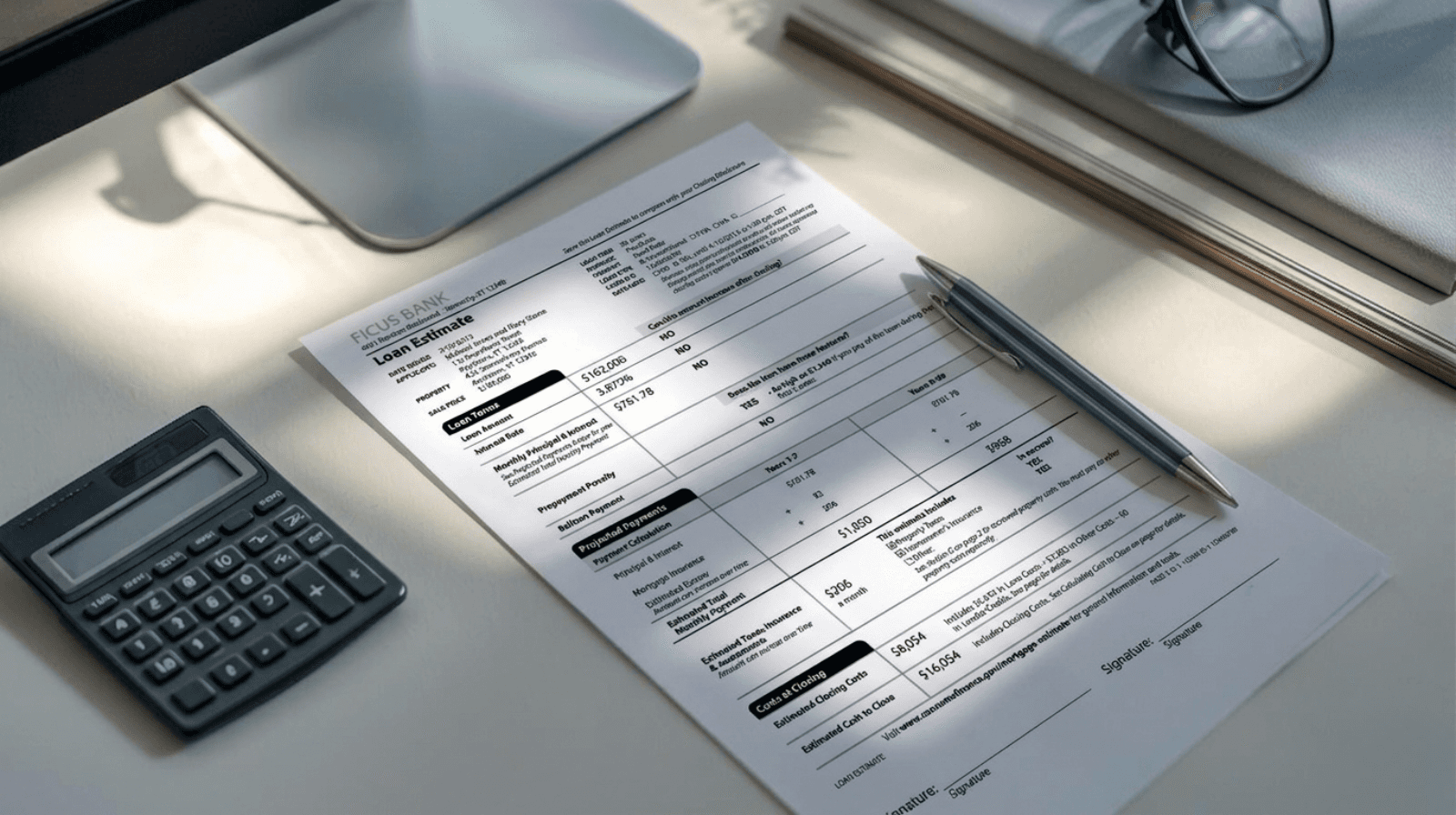
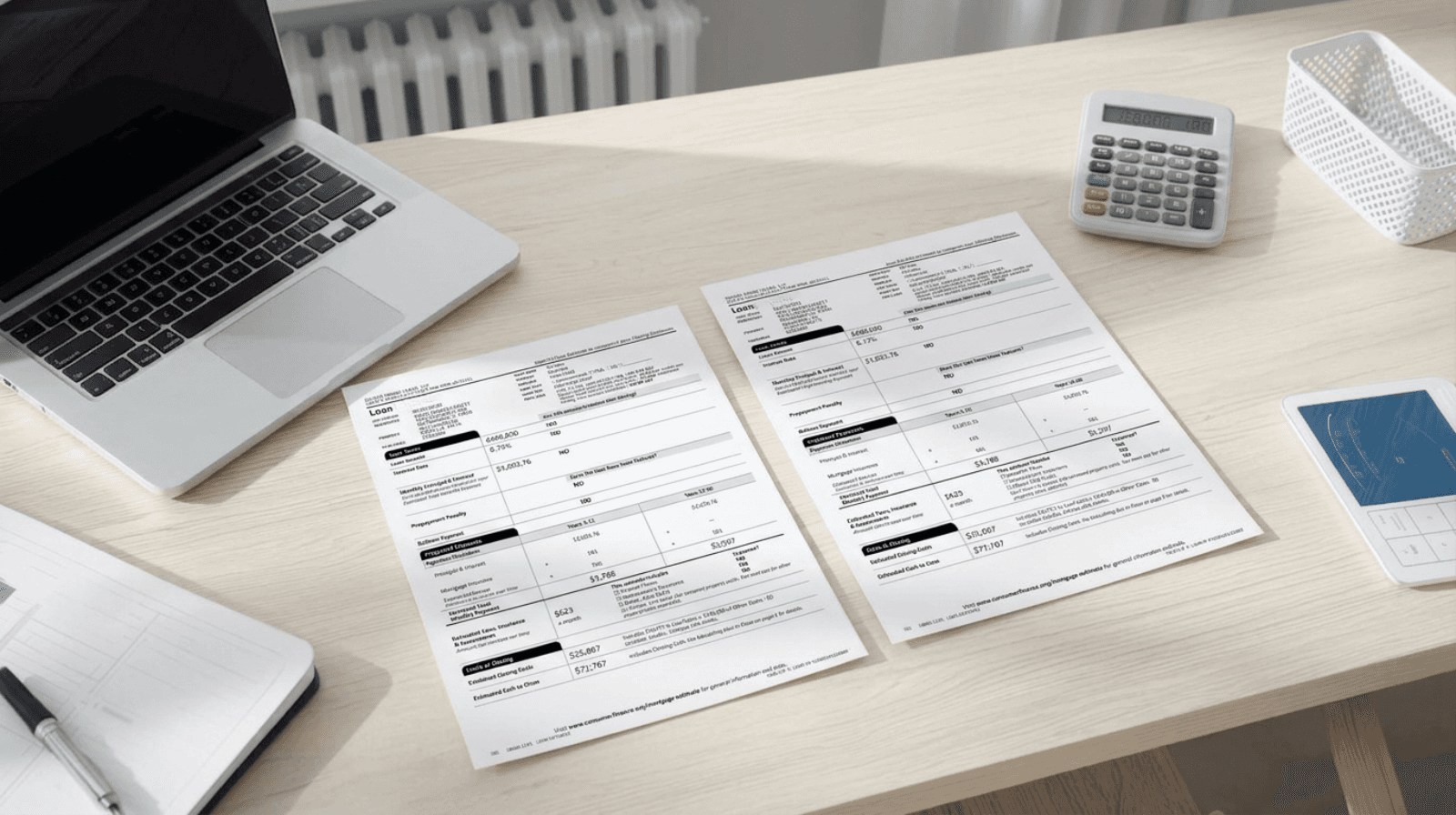
That’s why, with Fincast, we encourage you to upload your Loan Estimate to monitor lender overlays and market shifts and see if you can allocate more money toward homeownership (maintenance, upgrades, savings).
Best Practices for Using These Apps
Set recurring tasks (e.g., “Change HVAC filter every 90 days”) and stick to them.
Log service/repair expenses immediately—so you’ll have a cost history and budget insight.
Review monthly and quarterly the number of tasks done. What did you spend? What’s coming up?
Link to your budget and treat maintenance costs like any other recurring expense in your home budget.
Keep documentation such as receipts, warranties, manuals—scan or photograph them and store them in the app or a cloud folder.
Use notifications wisely, enable alerts—but don’t get overwhelmed. A few important reminders beat many ignored ones.
FAQs
Q. Do I need multiple apps or just one?
You can use a single tool if it covers both maintenance scheduling and expense tracking (e.g., HomeZada). But many homeowners prefer one app for tasks and one for finances, so each tool stays focused.
Q. Are paid home-maintenance apps worth it?
If you’re disciplined and your home has moderate to high maintenance needs (older home, many systems), the paid features (inventory, expense tracking, reminders) may save you hundreds in missed tasks or surprise costs.
Q. How often should I check my home-maintenance app?
At least once a month. Quarterly reviews are also helpful to align tasks, budgets, and upcoming major events (roof inspection, HVAC service, tax/insurance review).
Q. Can these apps help with resale value?
Yes—when you have documented tasks, expenses, and receipts, it demonstrates to potential buyers that you maintained the home. It also helps to upkeep the home’s condition, which directly affects value.
Q. How does this tie back to my mortgage?
When you lower your mortgage payment via Fincast-optimized terms, you free up funds for maintenance, so your home stays in better shape and holds value longer.
Bottom Line
Managing a home is more than paying the mortgage—it’s about maintenance, expenses, and protecting your investment. The right apps give you the structure and tracking to stay on top of everything.
You’re ready when:
✅ You’ve selected at least one app for maintenance scheduling and/or expense tracking.
✅ You’ve set up recurring tasks and reminders.
✅ You’ve begun logging costs and major assets (HVAC, appliances, etc.).
✅ You’ve uploaded your Loan Estimate to Fincast and are confident your mortgage cost is optimized so you can allocate more toward maintaining your home.
Your home deserves more than chaos—it deserves consistency. Use the right tools, set the habits now, and you’ll protect your investment and your peace of mind.
Pro Tips (Save These!)
📱 Use one app you’ll actually use—simplicity beats over-complexity.
📊 Log both tasks and costs so you’re tracking condition and finances.
🗓️ Review your app data monthly and quarterly.
🏦 Use savings from a lower mortgage (via Fincast) to build your home maintenance fund.
🔖 Keep digital copies of receipts and manuals—future you will thank yourself.
Action Checklist
Choose your home maintenance & expense app(s) today.
Enter your home’s major systems (HVAC, roof, appliances).
Set 3 recurring tasks (e.g., filters, gutters, smoke detector check).
Log any recent major expense in the app (or spreadsheet for now).
Upload your Loan Estimate to Fincast so you can evaluate whether your mortgage cost is optimized.
Plan a monthly review reminder (e.g., first Saturday each month).
👉 Want more control over your home costs?
Optimize your systems, track your expenses, and upload your Loan Estimate to Fincast to pressure-test whether your mortgage still makes financial sense.
Disclaimer: Nothing in this content should be considered financial advice. The examples and data shared are for general information only and may not reflect your personal situation. We do not guarantee the accuracy or completeness of the information provided. Always do your own research and speak with a qualified financial advisor before making any financial decisions.
Ready to Save On Your New Mortgage?